
Preview: 3 of 12 pages. Scroll sideways to see more.
$3.00
In your cart. View cart
No account needed. You get a download link.
| Grade | 4th Grade to 8th Grade |
|---|---|
| Resource type | Posters |
| Subject | History |
| Format | PDF, 12 pages |
| How was this made? | Created by hand, with images from generation tools |
| Updated | 2026-10-26 |
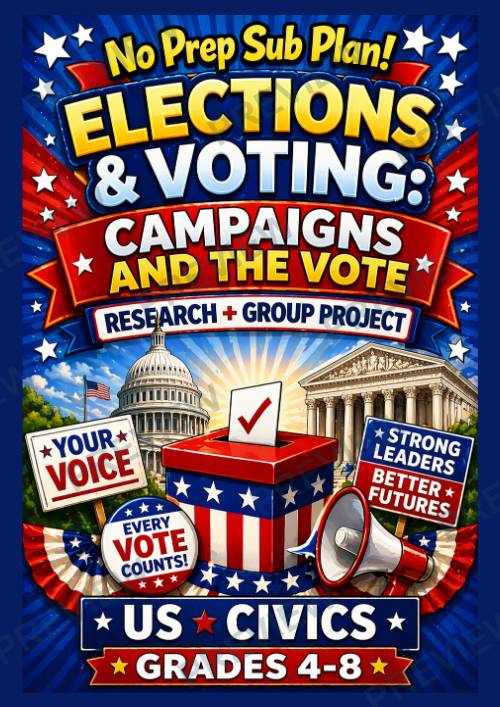
No Prep Sub Plans: Elections & Voting| Civics Project | Campaign Poster Activity
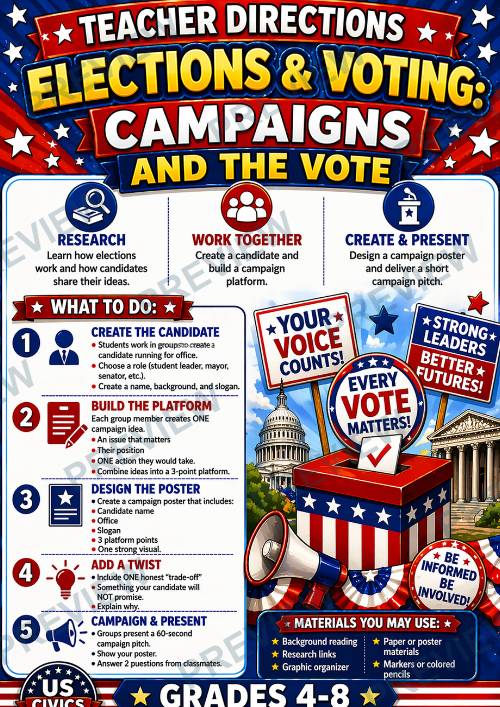
Bring Elections & Voting to life with this engaging, no-prep Campaign Project! Students become campaign teams as they create a candidate, build a platform, design a poster, and deliver a persuasive campaign pitch.
Perfect for sub plans, emergency lessons, or interactive civics instruction, this resource keeps students actively thinking, creating, and presenting—while learning how elections really work.
What Students Will Do:
- Create a candidate (name, background, slogan)
- Develop a 3-point campaign platform
- Design a campaign poster
- Deliver a 60-second campaign pitch
- Answer questions and defend their ideas
This mirrors real elections where candidates share ideas through campaigns, speeches, and messaging to reach voters
What’s Included:
✔️ Ready-to-use lesson (45–50 minutes)
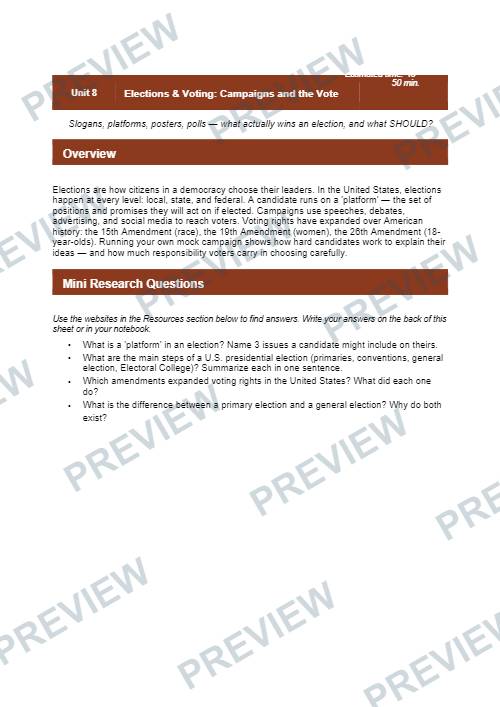
✔️ Student-friendly background reading
✔️ Guided research questions
✔️ Step-by-step group activity
✔️ Campaign planning graphic organizer
✔️ Poster checklist
✔️ Teacher directions (sub-friendly)
Skills Covered:
- Persuasive communication
- Critical thinking & decision-making
- Civic understanding
- Collaboration & teamwork
- Public speaking
Perfect For:
- Grades 4–8 US Civics
- Sub plans / emergency lessons
- Elections & voting units
- Project-based learning
- End-of-unit activities
Perfect for sub plans, emergency lessons, or interactive civics instruction, this resource keeps students actively thinking, creating, and presenting—while learning how elections really work.
What Students Will Do:
- Create a candidate (name, background, slogan)
- Develop a 3-point campaign platform
- Design a campaign poster
- Deliver a 60-second campaign pitch
- Answer questions and defend their ideas
This mirrors real elections where candidates share ideas through campaigns, speeches, and messaging to reach voters
What’s Included:
✔️ Ready-to-use lesson (45–50 minutes)
✔️ Student-friendly background reading
✔️ Guided research questions
✔️ Step-by-step group activity
✔️ Campaign planning graphic organizer
✔️ Poster checklist
✔️ Teacher directions (sub-friendly)
Skills Covered:
- Persuasive communication
- Critical thinking & decision-making
- Civic understanding
- Collaboration & teamwork
- Public speaking
Perfect For:
- Grades 4–8 US Civics
- Sub plans / emergency lessons
- Elections & voting units
- Project-based learning
- End-of-unit activities
·
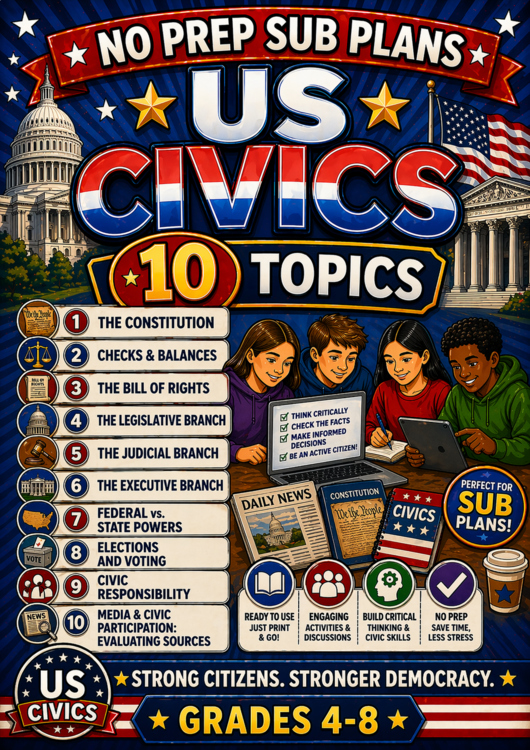
This resource is also part of a bundle with 9 other resources
Questions
No questions yet.
Ask a question
Your question goes to No Prep Plans. Answers show on this page, without your name or email.
Sent. The answer will show on this page.
Reviews
No reviews yet. Buyers can review a resource from their order page.
More from No Prep Plans
Campus Happiness Index
 No Prep Plans
$3.00
Book Labels
No Prep PlansFree
Big Band & Jazz Musicians Poster Set (1930s–1950s)
No Prep Plans$3.50
FREE Geography Learning Stations Signs & Choice Cards--Reusable
No Prep PlansFree
Refugee: Author's Craft, Themes & Evidence Bundle 10 Literary Analysis Lessons
No Prep Plans$29.25
Ancient World Turning Points Bundle | 10 Research + Group Project Lessons | 6-10
No Prep Plans$29.25
Request a quote or purchase order
For schools and districts. Your request goes to No Prep Plans, who will reply to your email with a quote or invoice.
Sent. The seller will reply to your email.
Report this listing
What your notice must include
The address of the listing on Classroom Clearinghouse (for example, the /p/ link).
https://classroomclearinghouse.com/p/byeng65qxr
Your name, mailing address, phone number, and email.
How to report
Your name, company, mailing address, phone number, and email.
The address of each listing or store you are reporting.
https://classroomclearinghouse.com/p/byeng65qxr
Copyright owners can also use the DMCA notice page.
Thanks. The report is in the review queue.